Install Caiioo. Put it to work.
Start with your open tabs or your computer’s files. Choose the version that fits your next task.
Install free. Sign in to use free AI models.
No API key or credit card needed.
Free models have provider usage limits. Paid models require credits or your own key.
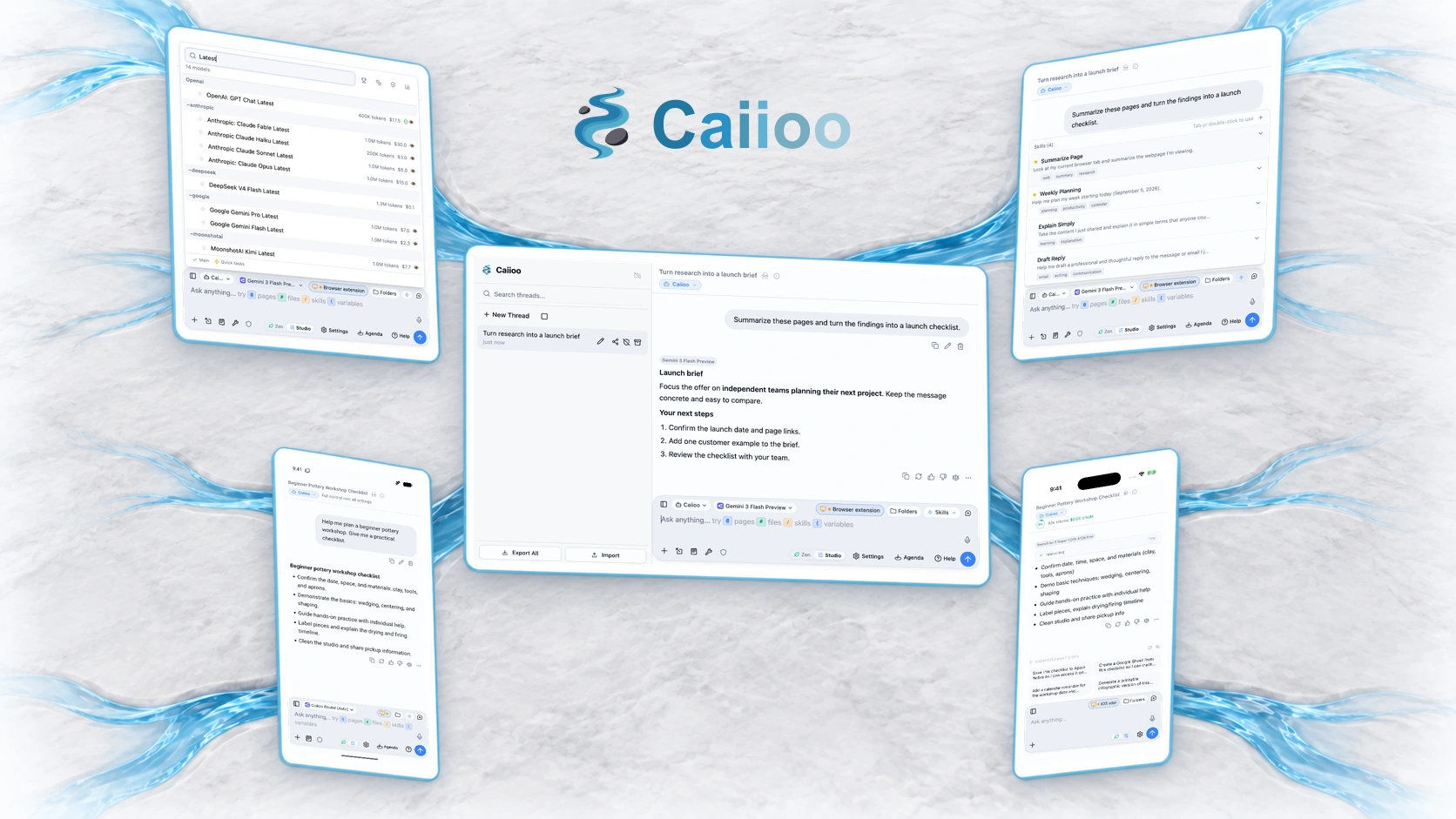
Browser extension
Work with open pages
Bring AI into the tabs you already use.
- Summarize and compare pages
- Research with your browser’s context
- Work beside your signed-in websites

Supported browsers:
macOS · Windows · Linux
Work with files and apps
Choose the desktop app for native folders and desktop applications.
- Work directly with files and folders
- Use desktop apps with Computer Use
- Research, write, and work on code
Pro adds app actions and advanced document editing.
Try this first in your browser · Free
Add the browser extension, sign in, choose a free model, then open a page and ask:
Summarize this page in five bullet points.
Android · iPhone · iPad
Take your work with you
The iPhone and iPad beta is on the App Store. Android is in beta on Google Play.
 beta
betaApple, the Apple logo, iPhone, and iPad are trademarks of Apple Inc., registered in the U.S. and other countries. App Store is a service mark of Apple Inc.
 beta
betaGoogle Play and the Google Play logo are trademarks of Google LLC.
What You Get
AI Chat
An agentic assistant in a compact side panel, right beside whatever you're working on
AI Agents
Agents that do real work — code, files, research, and the live web
Built-in Tools
Web browsing, Google Workspace, image generation, and more
Privacy First
Choose a cloud AI provider or a local model, with privacy controls for the context you share.